Koe logoKoe
What's new

Recent updates

Everything new in Koe — the features, models, and tools we ship, newest first.

New · Upscaling

Upscale any clip to 4K.

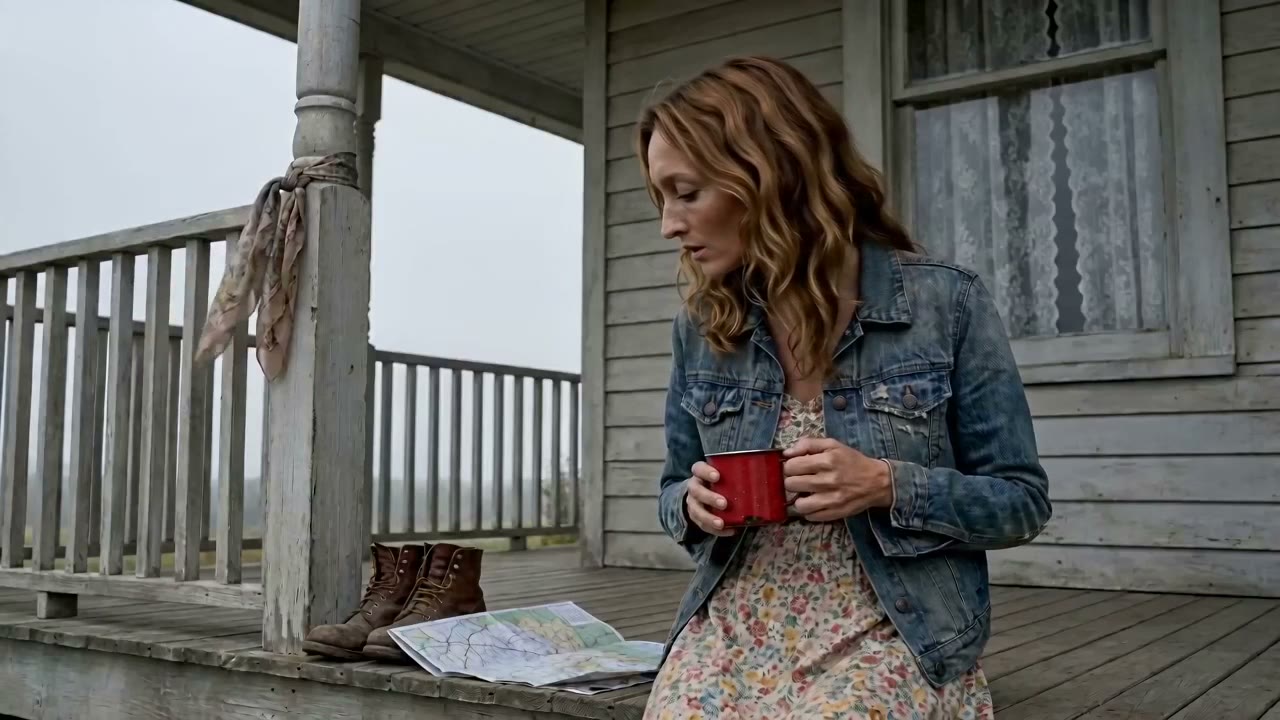
Take a shot you've already rendered and make it razor-sharp — up to 4K — with Astra, a diffusion upscaler that adds real detail instead of just bigger pixels. Every frame of the action stays exactly the same, and the original is kept in your takes, so it's always reversible.

Try upscaling
New · Video Editing

Edit your videos with a sentence.

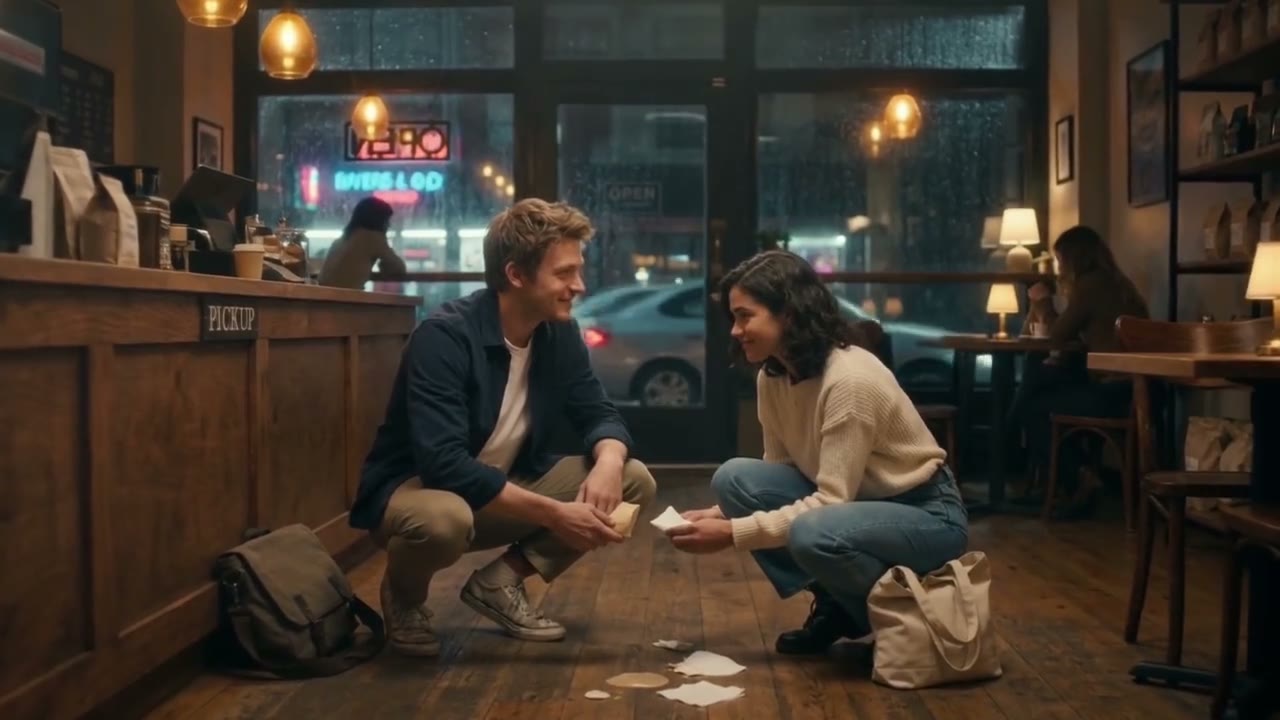
Don't like the lighting, the weather, or a detail in a shot you already rendered? Just say what to change — “make it daytime,” “add rain,” “give her a red jacket” — and Koe edits that clip in place, keeping everything else exactly as it was. No re-rolling the whole scene.

Try video editing
New · Community Forum

The Koe community forum is here.

A home for the community — ask questions, share your workflows, show off what you have made, and trade tips with other AI video creators. Pull up a chair and start a conversation: everyone is welcome.

Open the forum
New · Auto-Captions

One click adds cinematic captions.

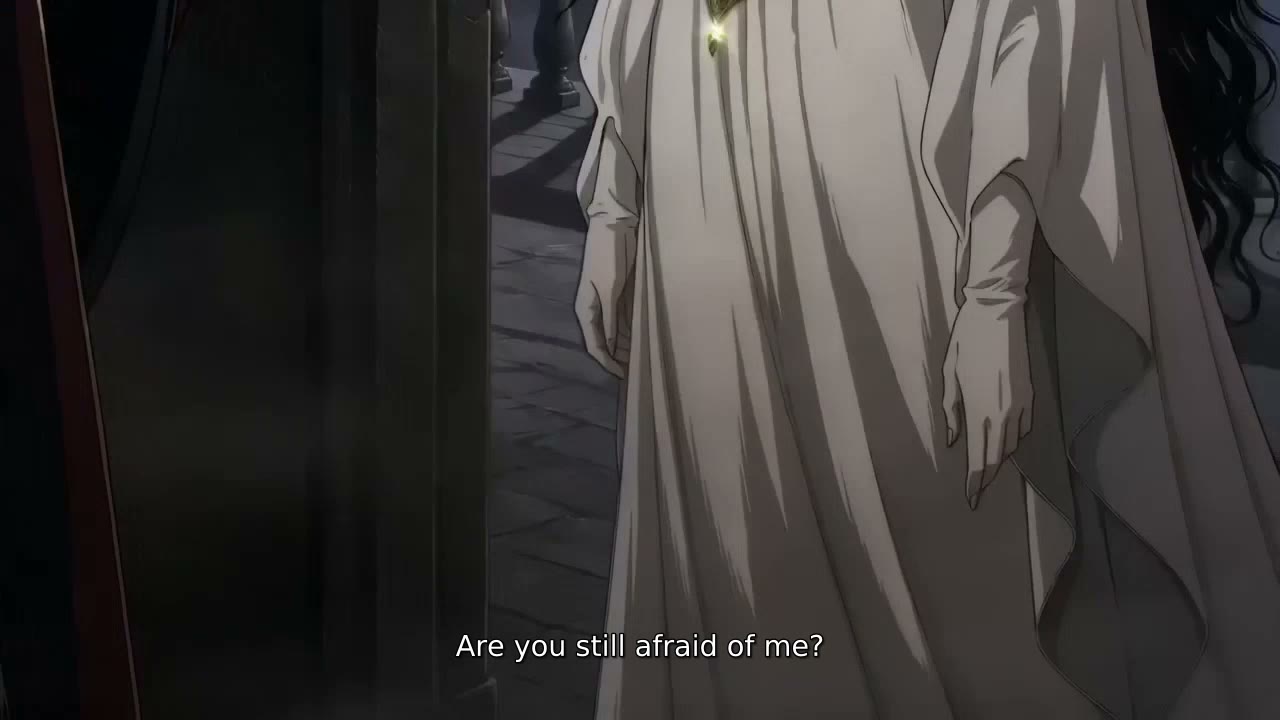
Koe transcribes your dialogue and burns in clean, film-style subtitles — translate them to any language, then export or publish with the captions baked in.

Add captions
New · Music Video 2.0

Turn any song into a music video.

Drop a track and koe lip-syncs your singer to the lyrics, then fills the gaps with cinematic narrative shots — a full music video, synced to the beat.

Make a music video
New · Director Mode

Direct your film in plain English.

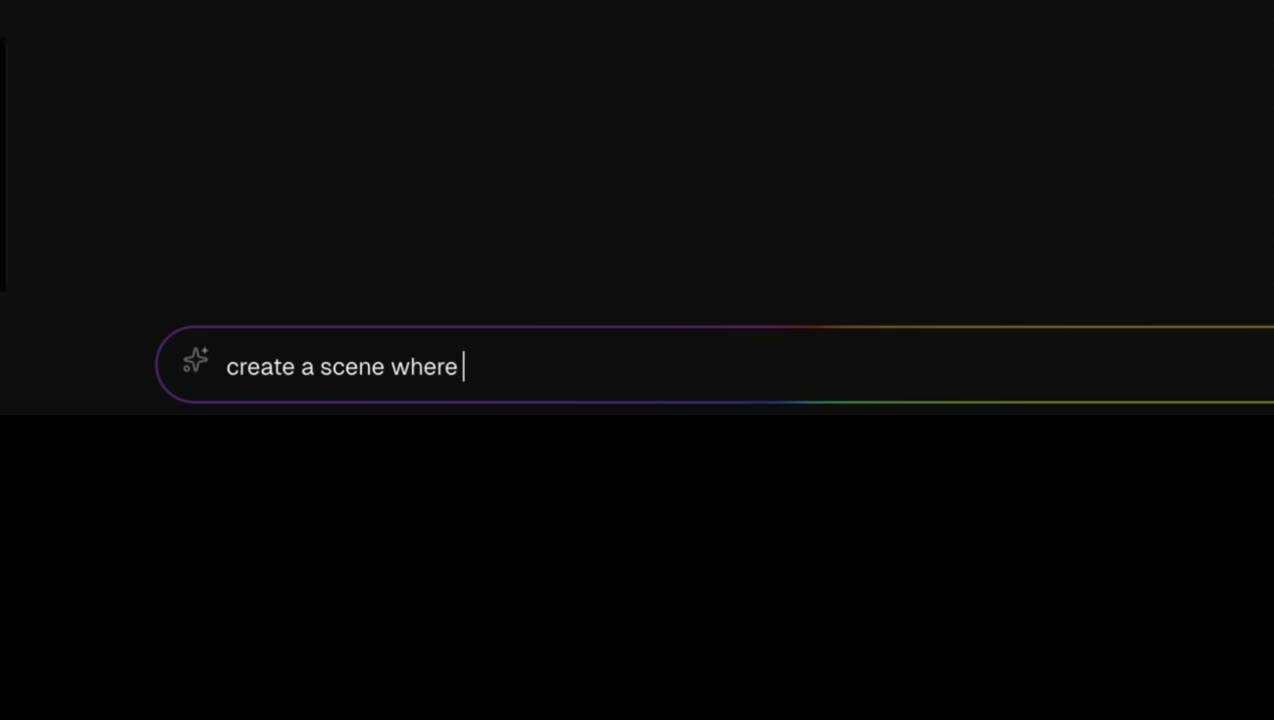
Describe a scene and Director Mode writes it, casts consistent characters, renders the frame, and animates it. You just say action.

Try Director Mode